Open Decidiq for the first time
A first look at Decidiq — where the app lives, what the navigation gives you, and how to tell it is wired up to OpenRegister.
Goal
By the end you will have opened the Decidiq app, recognised the dashboard and the left-hand navigation, and confirmed that the OpenRegister-backed lists (Meetings, Motions, Decisions, …) load.
Prerequisites
- A Nextcloud account on an instance where the Decidiq app is installed and enabled.
- The OpenRegister app installed and enabled — Decidiq stores everything (meetings, motions, votes, minutes) in OpenRegister, so it is a hard dependency.
- The Decidesk register and its schemas imported. An admin runs this once from Settings → Registers → Re-import configuration (see Manage Decidiq settings).
Steps
-
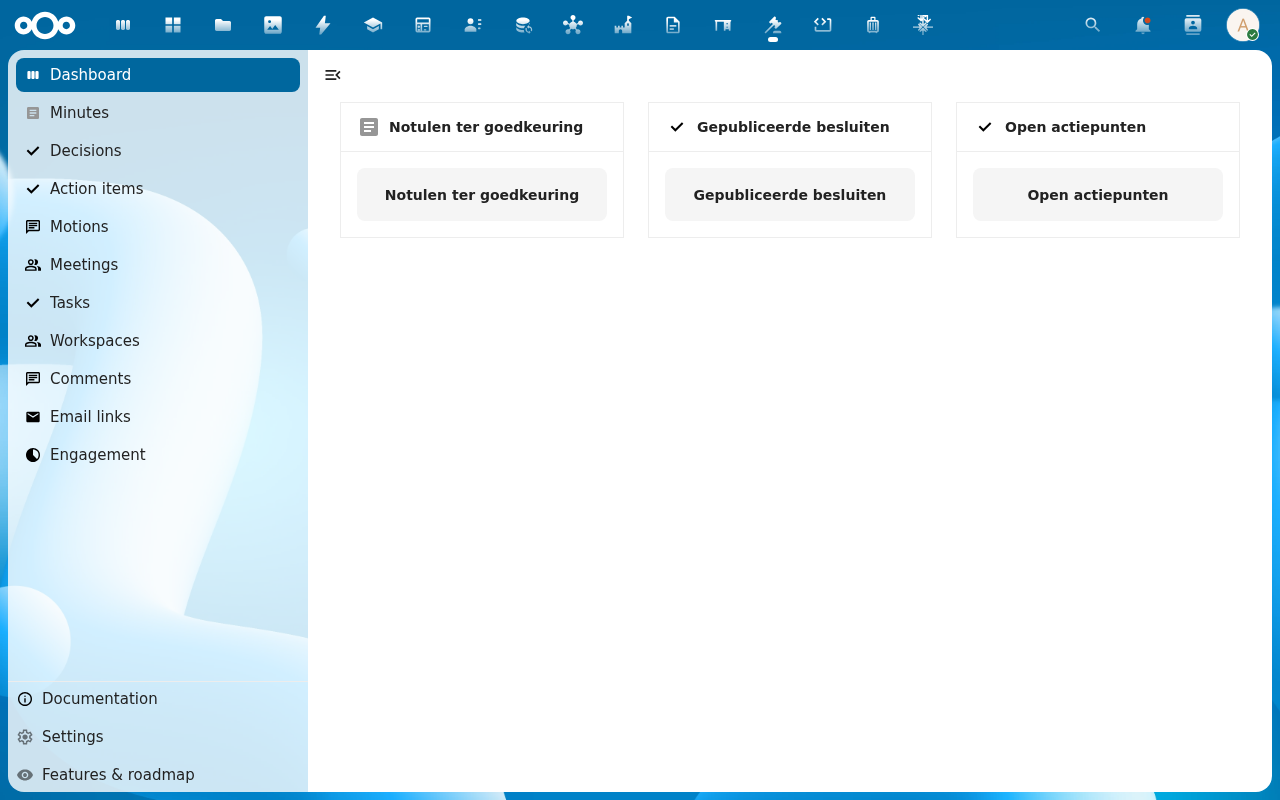
Open the Nextcloud app menu in the top bar and pick Decidiq. You land on the dashboard.
-
Read the dashboard tiles — Minutes awaiting approval, Published decisions, Open action items. On a fresh install they read
0; they fill in as work moves through the app.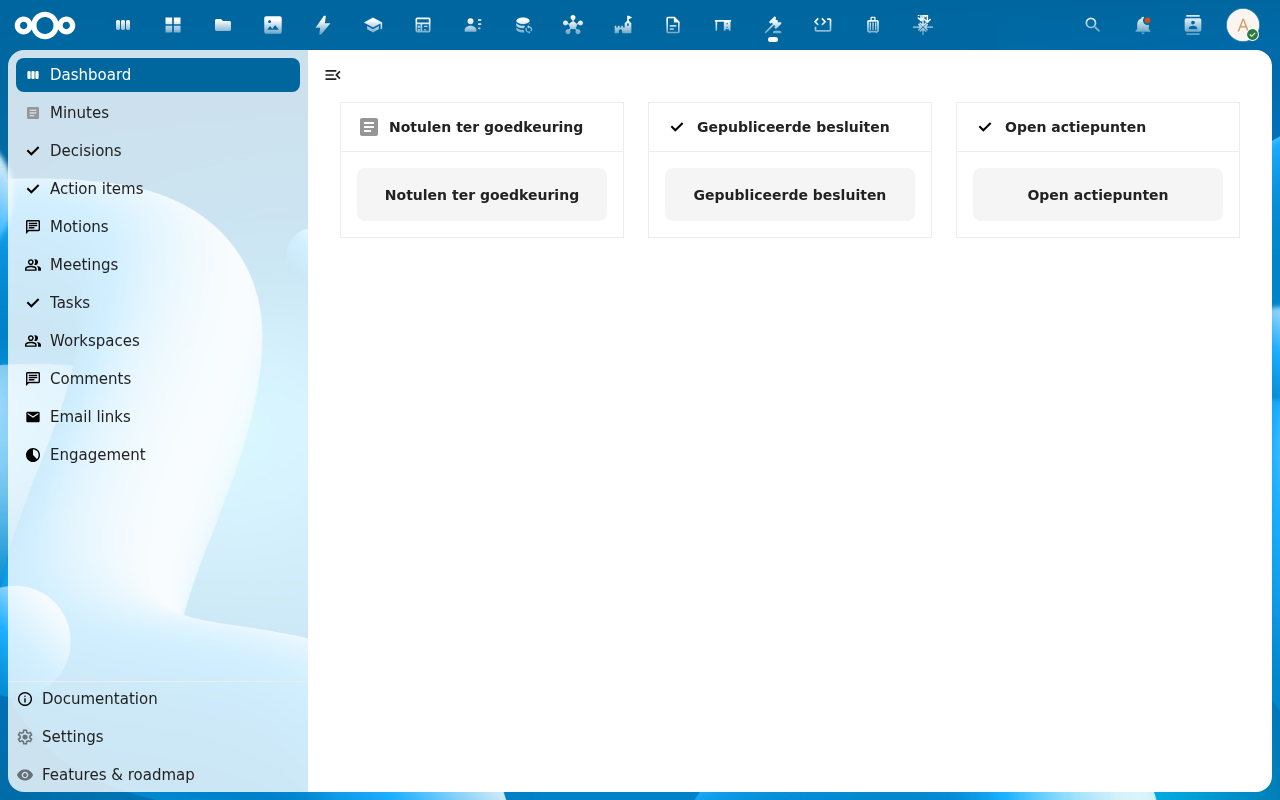
-
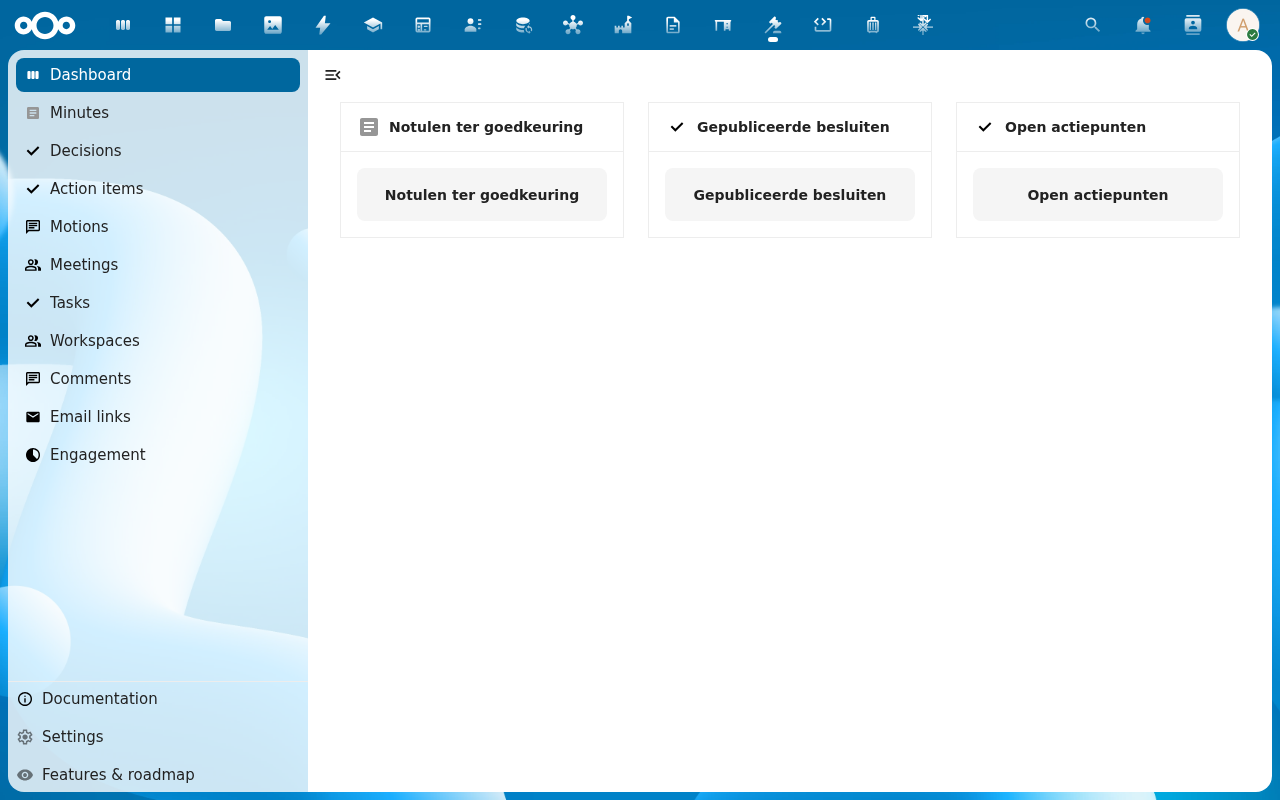
Open the left-hand navigation. The entries map one-to-one onto the things Decidiq tracks: Meetings, Motions, Decisions, Action items, Minutes, Tasks, Workspaces, Comments, Email links, Engagement. Below the divider sit Settings and Features & roadmap.
-
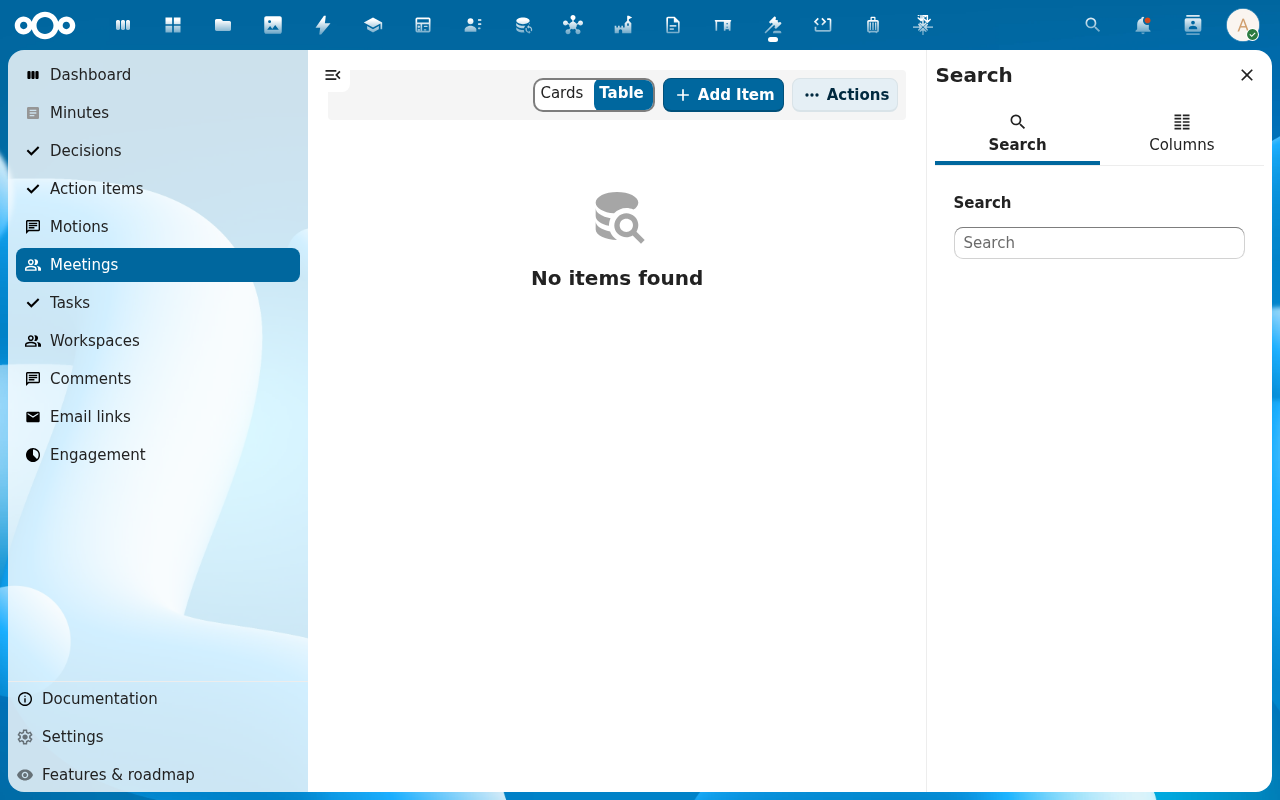
Click Meetings. The list view opens with a Cards / Table toggle, an Add Item button, and a search sidebar. An empty install shows No items found — expected until someone schedules the first meeting.
Verification
You are set up correctly when: the Decidiq dashboard renders without an error banner, the left navigation lists the entries above, and clicking through to Meetings (or any other list) shows either rows or a clean No items found state — not a load error.
Common issues
| Symptom | Fix |
|---|---|
| "OpenRegister is not installed or enabled" banner | Install and enable the OpenRegister app, then reload Decidiq. |
| Lists load but Add Item opens a modal with no form fields | The Decidesk register import is incomplete — an admin re-runs Settings → Registers → Re-import configuration. |
| Decidiq is missing from the app menu | The app is not enabled for your account — ask an administrator to enable it (and check it is not restricted to a group you are not in). |
Reference
- MCP Tools (AI Chat Companion integration) — how the AI companion reaches Decidiq's data.
- Manage Decidiq settings — register import, ORI endpoint, email voting.